Join our Discord
How To Use A Package?
To use a package follow the steps below:
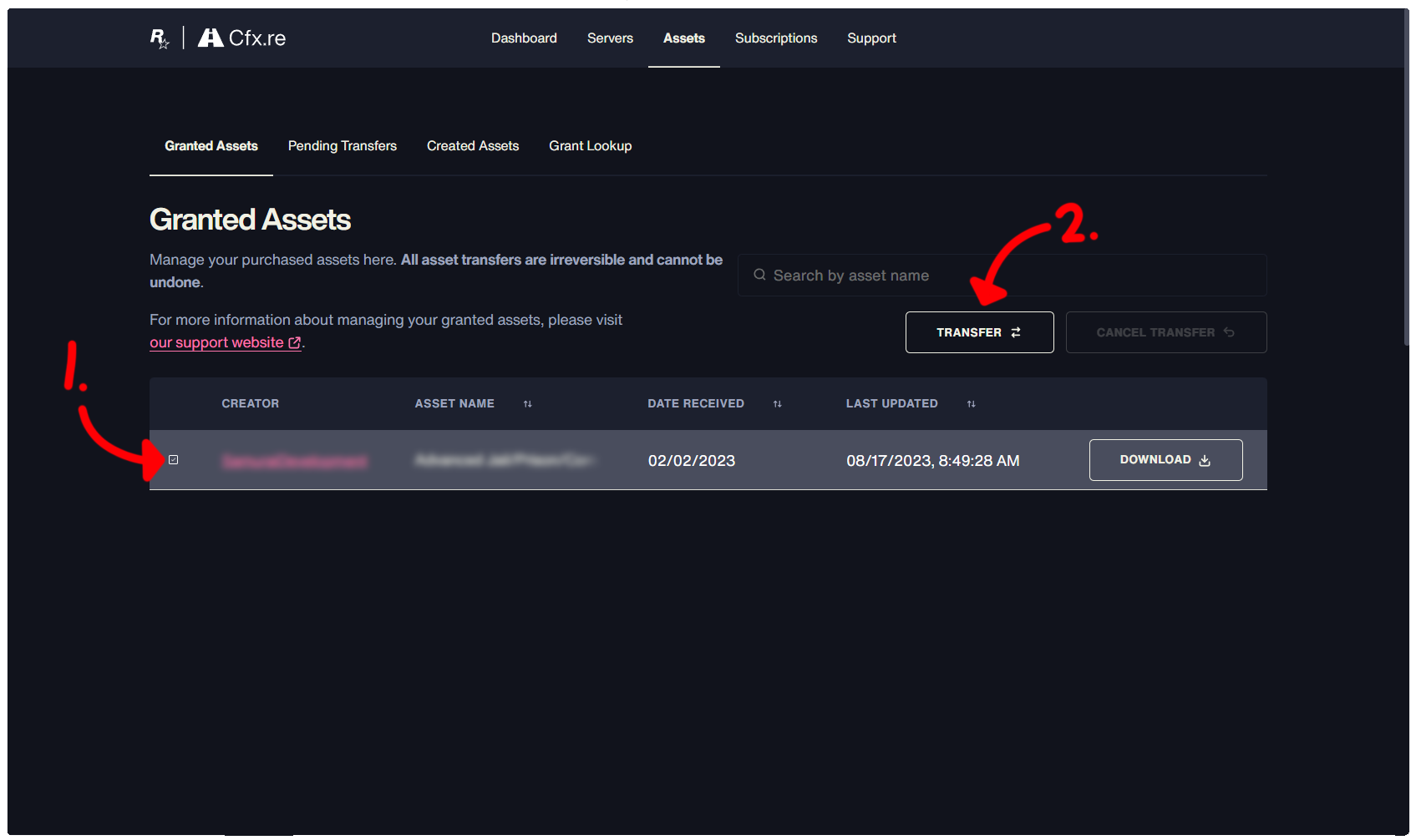
After signing into and claiming the package off of our store, visit https://portal.cfx.re/assets, there you will have to sign in. After signing in navigate to "Granted Assets".
If you wish to use the asset in your own server, which you own, ensure that the account you've claimed under is the one that owns the server key.
If you wish to use it in a server which you do not own, you must select the asset, press transfer, then enter the name of the server owners CFX account, ensure this is correct before proceeding to finalize. In order to get this name, you must ask server staff/ownership.